
We're looking forward to speaking at CreativePro Week, the essential how-to conference for anyone that…

Mike Parkinson designed and uploaded new graphics this summer to our Build-a-Graphic add-in. Insert, edit, and use these PowerPoint graphics in your next presentation and marketing projects.
Open Microsoft PowerPoint. Go to the Build-a-Graphic add-in pane. (If you haven’t installed Build-a-Graphic, then follow these instructions.)
Next, select the starburst icon second from the right. This icon allows you to view the recent additions to the library.

After you select the icon, the area below the search box will populate with the new graphics. You’ll also see the amount of graphics uploaded since you last logged in. For me, 750 new PowerPoint graphics were uploaded!
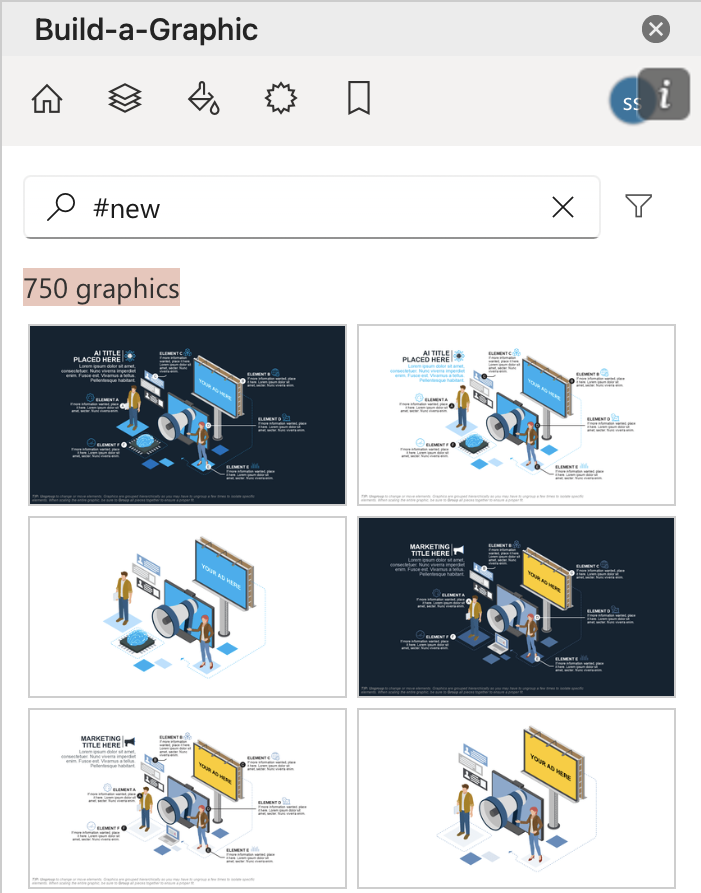
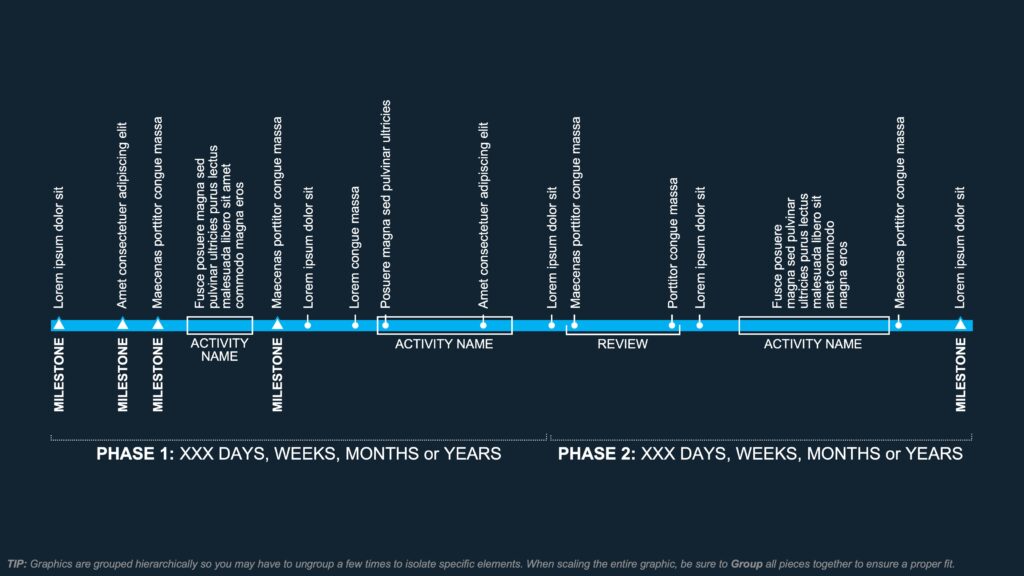
From timelines to funnel graphics to icons and isometric ads, the updated Build-a-Graphic PowerPoint library has your ideas covered. Find new ways to visualize your concepts. Plus, edit the pieces, change colors, and export the final images into other platforms.
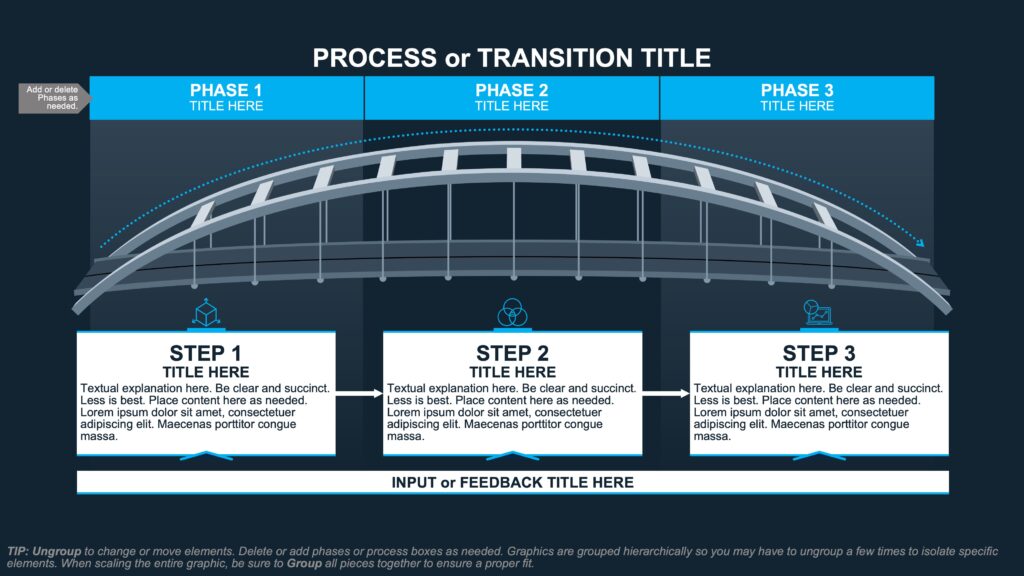
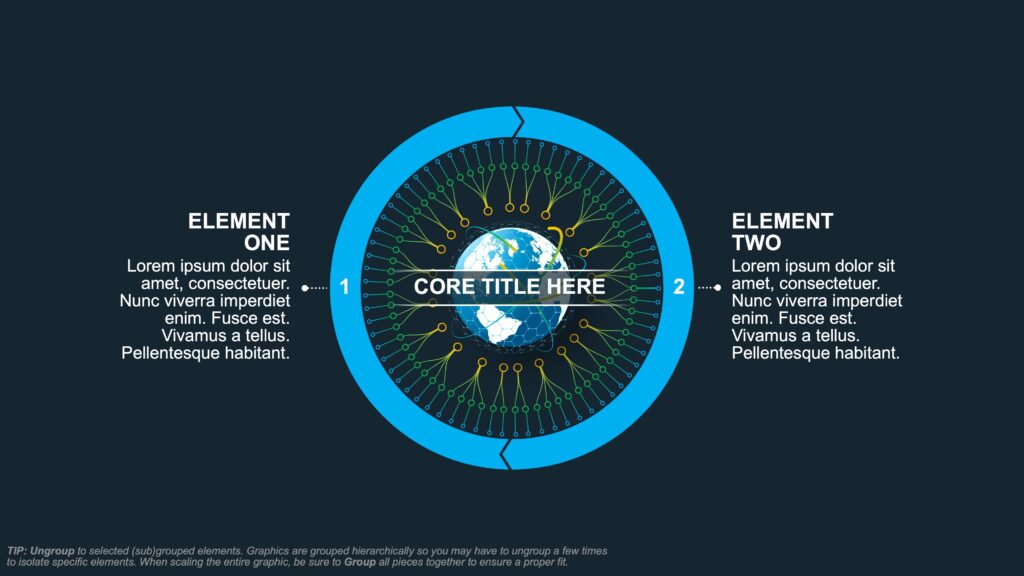
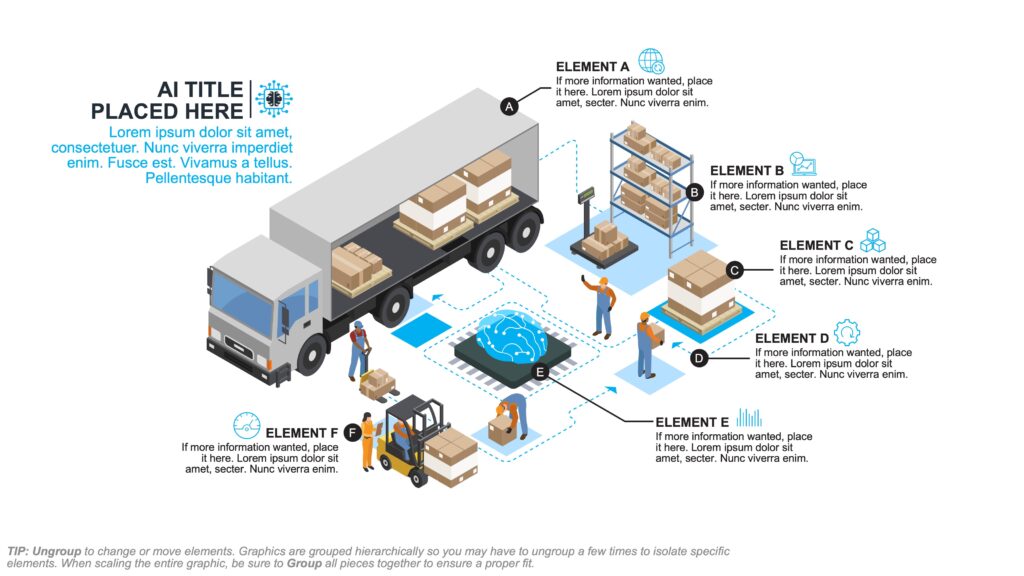
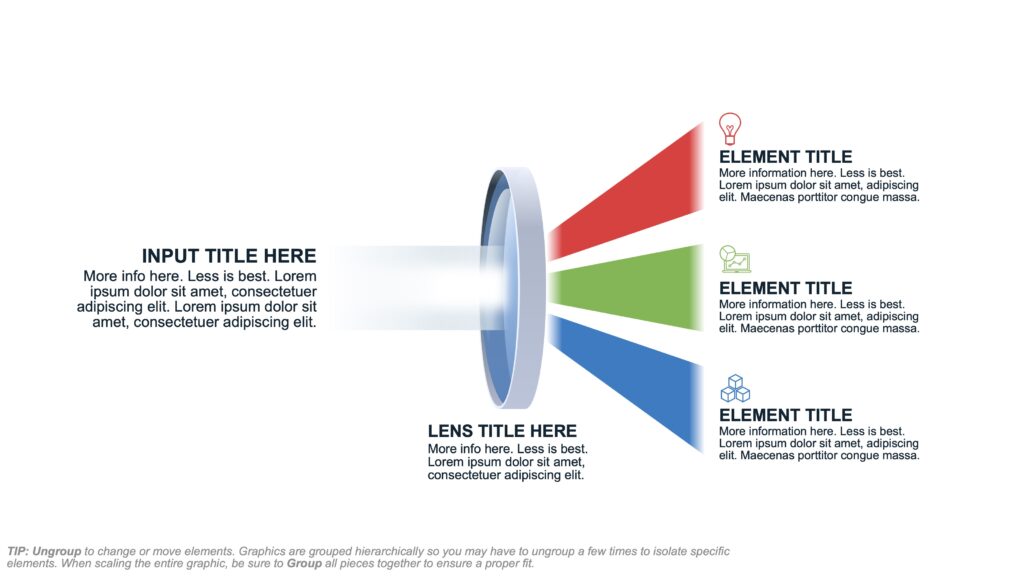
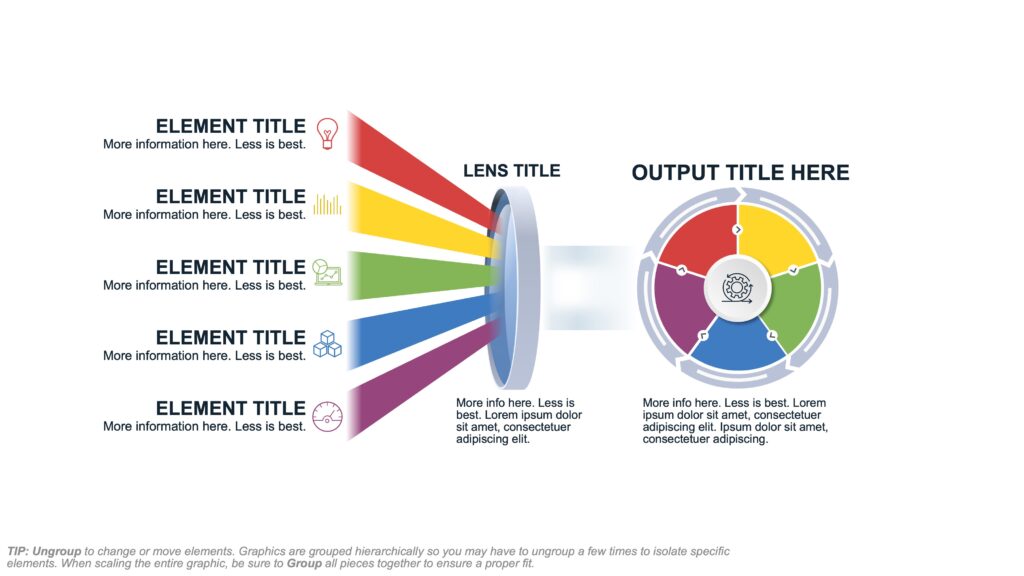
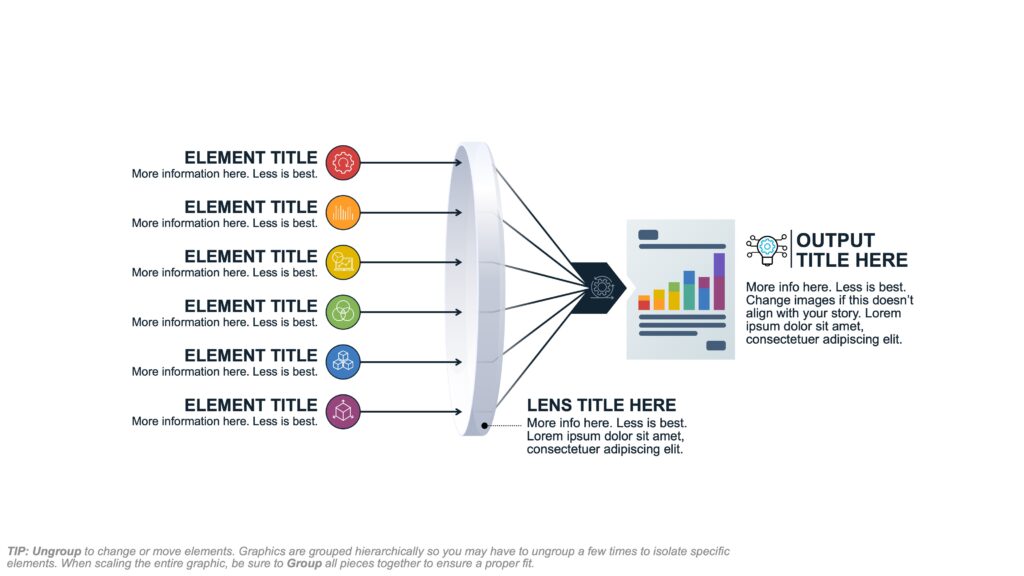
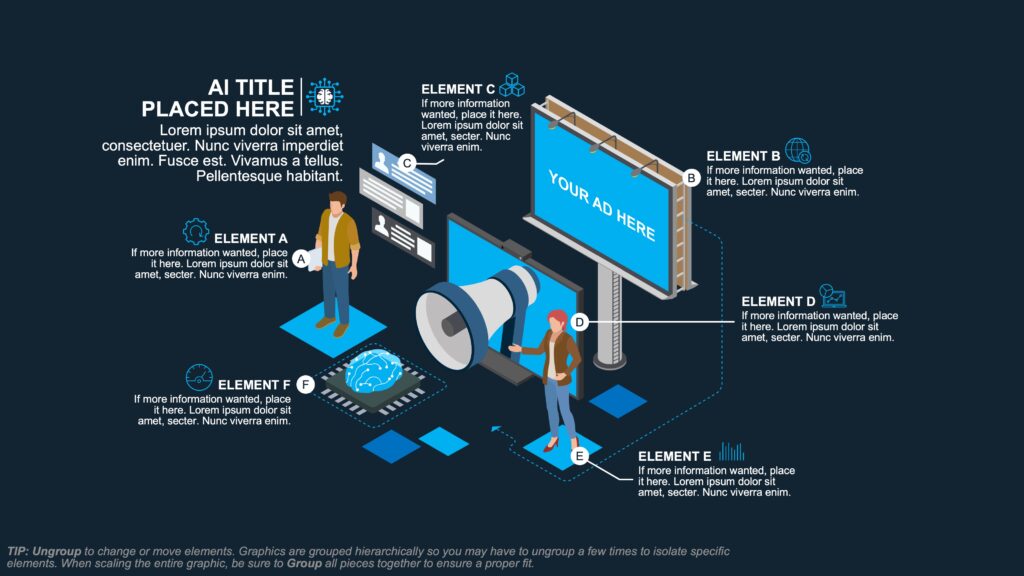
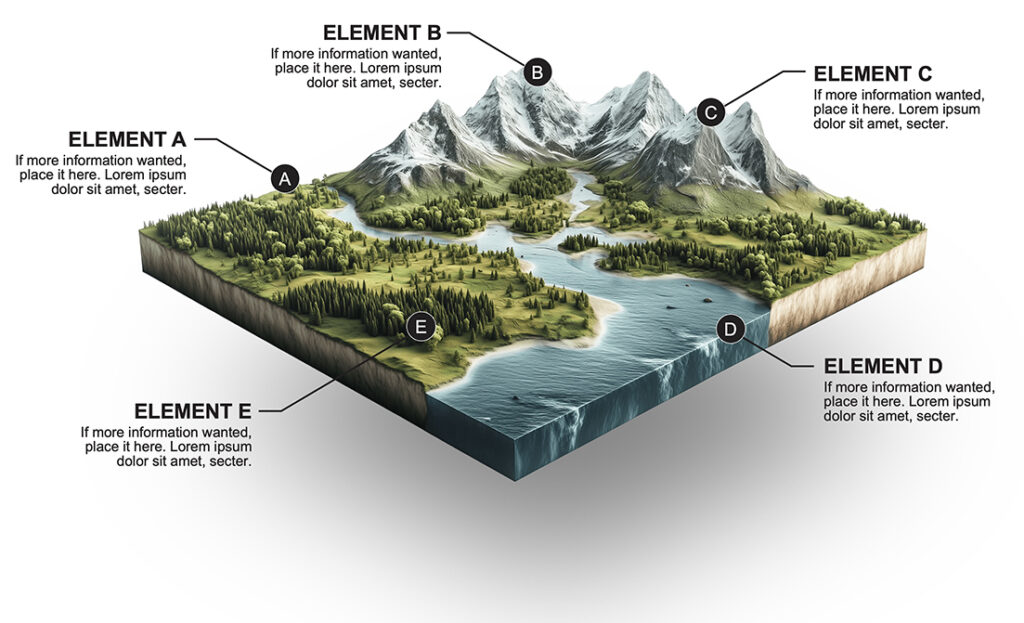
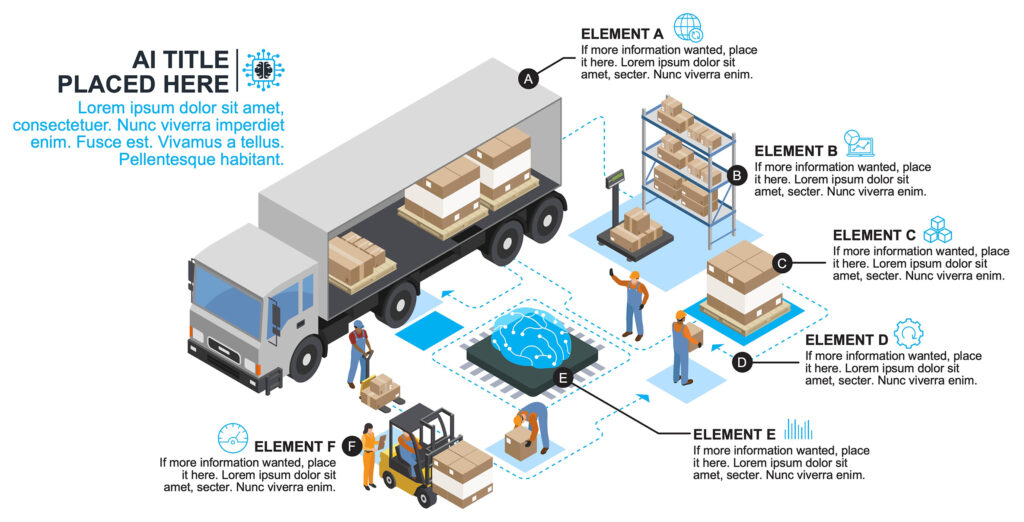
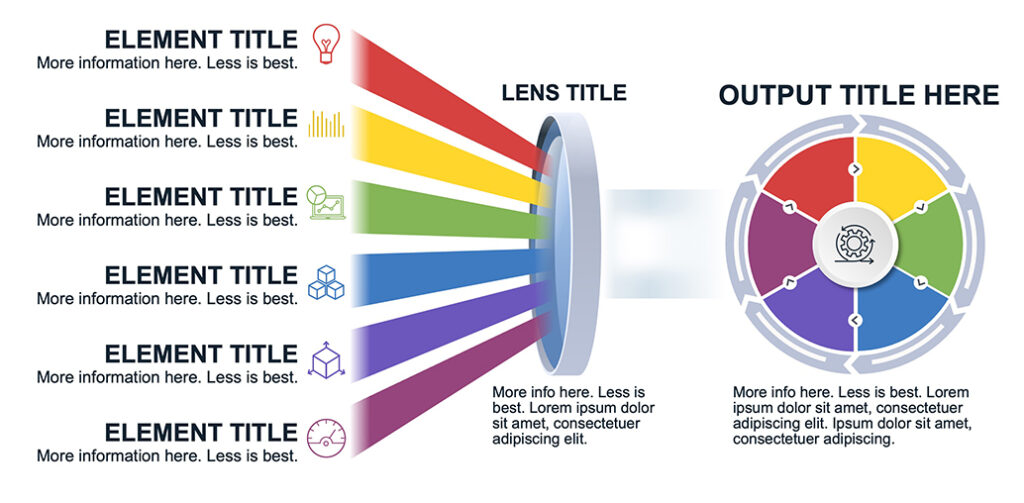
Below is a small sampling of the new PowerPoint graphics uploaded through August 2025. Multiple versions of the charts and graphics are available when you need to show more or less elements. We’ll continue to add graphics all year long.




Related Posts